

CRM Calendar Feature in Nexleon CRM
Using more than one tool to track deadlines, meetings, and internal events can be confusing and cause you to miss deadlines. Nexleon CRM’s built-in CRM Calendar solves this problem for businesses by putting all business activities in one organized and central view. Teams can keep an eye on everything right in the CRM instead of switching between systems or keeping track of schedules by hand.
This all-in-one system automatically keeps track of due dates for invoices, contracts, tasks, and company events. Nexleon CRM is a powerful CRM with calendar features that makes it easier to see what’s going on and makes sure that nothing important gets missed by combining scheduling with customer and operational data.
Why a CRM Calendar is Essential for Business Operations
With Nexleon CRM’s calendar system, businesses can:
- Monitor invoice due dates and contract expiration timelines
- Track task completion deadlines and project milestones
- Schedule meetings, follow-ups, and internal events
- Improve coordination through team calendar management
- Maintain better control over daily and long-term business planning
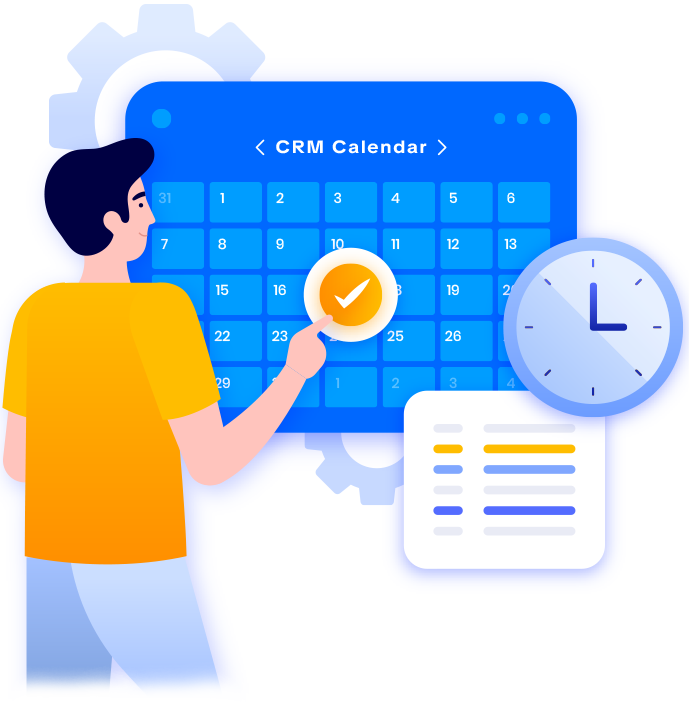
Overview of Nexleon CRM Calendar Module
Centralized Business Scheduling in One Place
This includes:
- Invoice payment due dates
- Contract expiration deadlines
- Task completion timelines
- Estimate and proposal expiration dates
- Internal meetings and company events


Multiple Calendar Views for Better Planning
Not every tool handles calendar functionality as effectively as Nexleon CRM offers. To begin with, shifting from day to week to month view happens without hassle—matching how different teams actually work. Switching views keeps short-term tasks in focus and at the same time lets you have long-duration targets in sight.
Right off, the setup helps you see what is needed. No confusion occurs when meetings clash or tasks pile up. Just one glance at the view tells you where things stand. Team members move together because dates line up clearly. Confusion slips away since every date has its place. Planning gets smoother when everyone sees the same picture.

Automatic Tracking of Critical Business Deadlines
There is a greater chance of late follow-ups, expired contracts, and missed payments when deadlines are manually tracked. By automatically displaying crucial business dates within the Calendar, Nexleon CRM removes this risk.
The system automatically tracks:
- Invoice due dates
- Contract expiration dates
- Proposal and estimate deadlines
- Task finish dates
This automation ensures that important deadlines remain visible at all times since the Nexleon feature works as an event scheduling calendar, allowing teams to act quickly and maintain operational efficiency.

Create and Manage Events with Ease
Users can:
- Create new events with titles and descriptions
- Set event dates and times
- Assign events to staff members
- Add internal notes and details
- Control event visibility based on permissions

Stay Organized with Staff Reminders and Alerts
Notifications ensure that staff members:
- Remember customer follow-ups
- Stay on schedule with tasks
- Track important internal meetings
- Meet business deadlines consistently

Clear Visual Organization with Color-Coded Activities
Color coding helps teams:
- Separate financial deadlines from operational tasks
- Identify project milestones easily
- Monitor internal and external events clearly.
- Helps with milestone identification, where team members can quickly spot project-critical dates through status-based colors.
This visual clarity strengthens the calendar in Nexleon CRM and improves scheduling accuracy across the organization.

Permission-Based Access for Secure Scheduling
This allows businesses to:
- Limit event visibility based on staff roles
- Share public events across teams
- Restrict access to sensitive activities
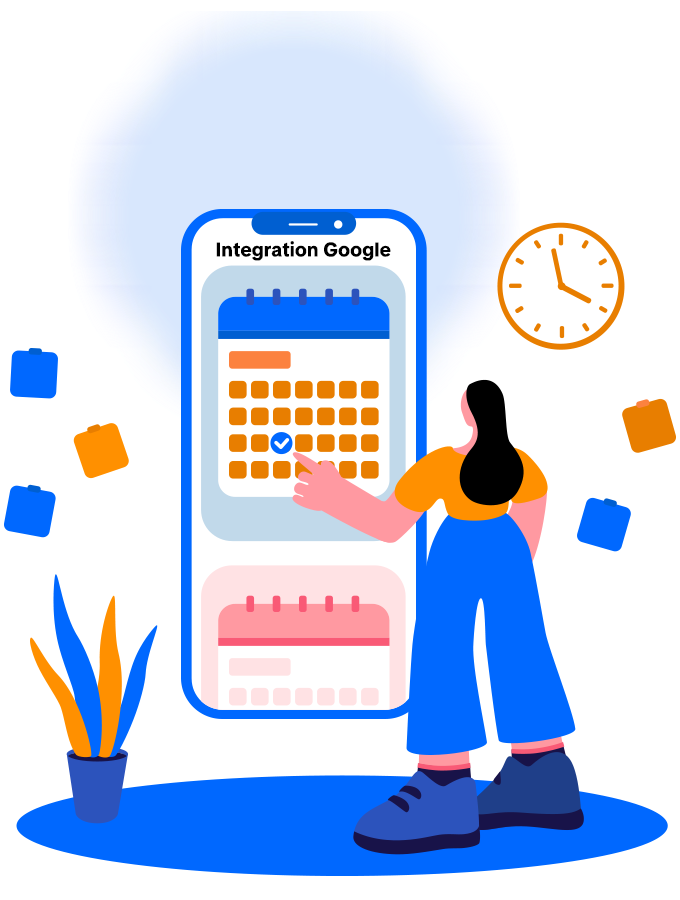
Integration with Google Calendar
Enable Google Calendar Integration
Enable Google Calendar API
Go to APIs & Services → Library, search for Google Calendar API, and click Enable.
Make Calendar Public
In Google Calendar, go to My Calendar → Settings and sharing, enable Make available to public, and select See all event details.
Copy Calendar ID
Find the Calendar ID in Settings and add it in: Setup → Settings → Google → Calendar ID
Set Up Department Calendars
Create separate calendars for each department and add their IDs in: Setup → Settings → Departments → Google Calendar ID
How Nexleon CRM Calendar Helps Businesses Operate Efficiently
Increased Visibility of Scheduling
Confusion brought on by disorganized schedules is eliminated when all business deadlines, tasks, and meetings are displayed in one location. This centralized system guarantees improved departmental planning and enhances business calendar management.
Improved Coordination of the Team
When everyone can see shared events and deadlines, collaboration becomes easier. The CRM Calendar ensures that teams stay aligned, improving coordination and reducing scheduling conflicts.
A lower chance of missing deadlines
Important business dates are kept visible through automatic tracking. Teams can react swiftly as a result, preventing late tasks, expired contracts, and missed payments.
Enhanced Efficiency Through Well-Ordered Scheduling
With reminders, automated tracking, and manual event creation, Nexleon CRM functions as efficient business scheduling software that improves overall operational efficiency.
Better Decisions and Clear Planning Creating
Teams are better able to allocate resources and make well-informed decisions when schedules are well-organized and visible. This is made possible by Nexleon CRM, which offers an organized team calendar software environment for corporate operations.
Get Nexleon CRM for Complete Business Solutions
Invest in Nexleon CRM for comprehensive business solutions that include robust tools like the CRM Calendar features for effective schedule management, deadline tracking, and team activity organization.
Moreover, it is affordable and designed to support project management, contracts, proposal, sales, customer support, and much more. Explore Nexleon CRM, since it can help your business increase productivity, streamline processes, and maintain complete control over your daily workflows by centralizing everything on a single platform.