
Expense Management Software Feature That Simplifies Business Spending
Managing business expenses can get complicated fast without the right tools. Nexleon CRM’s expense management software-like feature makes it simple for teams to record, track, and manage spending efficiently. When you manage all your expense tasks in one spot, you cut down on mistakes, save time, and always have a clear view of your spending. For small and mid-sized businesses, this makes tracking expenses simple and dependable.
Here’s how Nexleon CRM steps in: it handles expense recording, tracks billable and recurring costs, creates detailed reports, lets you use templates, and turns expenses into invoices. So, your finances stay organized and crystal clear, from start to finish.
How to Record Expenses in Nexleon CRM
As already stated, Nexleon CRM has a feature for handling spending, like proficient software for expense management. It allows you to log and track business expenses quickly while capturing all necessary details.
To create a new expense, go to the Expenses menu on the sidebar and select ‘Record Expense.’
Key Fields While Recording Expenses
Name
Note
Category
Date
Amount
Customer
Billable
Project
Currency
Tax
Payment Mode
Reference #
Recurring Expense
Various Tasks You Can Perform in Nexleon Expense Management Feature
Billable Expense
Billable expenses are another feature that you see in efficient expense management software. In the Nexleon CRM expense feature, it lets you charge customers costs incurred on their behalf. When recording a new expense, select the customer first. Once a customer is selected, a Billable checkbox appears. Enable this option to mark the expense as billable. You can then convert the expense directly into an invoice whenever needed.
By default, all expenses are recorded in your base currency. However, when an expense is marked as billable, the system automatically switches the currency to match the customer’s currency. If the customer uses the system’s default currency, the expense will continue to use the base currency.


Billable Expenses and Conversion to Invoice
- After creating a billable expense, click Convert to Invoice
- The invoice automatically populates with the expense name, note, and amount.
- Currency aligns with the customer’s settings if different from your base currency.
- Draft invoices can be reviewed and saved before sending.
Creating Recurring Expenses
- Set how often the expense repeats—daily, weekly, monthly, or custom.
- Adjust amounts, categories, or linked projects as needed.
- Ensure cron jobs are configured to automate this process effectively.

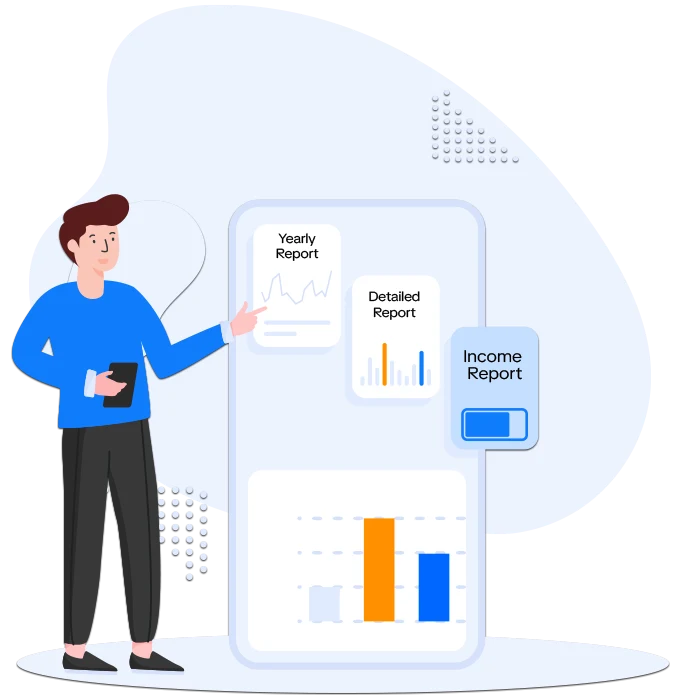
Expense Reports: Full Visibility
Types of Expense Reports
Yearly Report
Summarizes all expenses, including categories. Useful for budgeting and planning.
Detailed Report
Includes taxes, totals, and filtering options. Perfect for audits or detailed review.
Expense vs. Income Report
Compares spending against income. Displays results in base currency; other currencies may vary slightly.
Why Nexleon’s Expense Management Feature is Ideal for Your Business
- Centralized recording ensures no expense is overlooked.
- Billable and recurring features save time and prevent errors.
- Detailed reporting gives full transparency for managers and finance teams.
- Integration with invoicing ensures fast billing without double entry.

Power Your Business with Nexleon CRM Now!
Nexleon CRM provides a complete expense management software experience along with other 360-degree functionalities for businesses. Every tool is designed to make business spending easier, from creating reports and turning billable items into invoices to tracking, recording, and automating recurring expenses. Use Nexleon CRM to start streamlining your business—especially expense operations—today with a free trial.
Frequently Asked Questions
What's the best spend management platform?
An effective expense or spend management platform does more than just track your spending. You want something that works seamlessly with your billing system, tracks all transactions, and generates useful reports. Real-time visibility is also important because it saves time and helps your team avoid mistakes. All of this is integrated by Nexleon CRM, making expense management truly simple.