
CRM Custom Fields in Nexleon CRM
CRM Custom Fields in Nexleon CRM help businesses capture the exact data they need. Every company works differently. However, standard CRM fields usually leave out a lot of important stuff. That’s where custom fields come in—they let you add whatever details you need without messing with the core system. You can track things like contract terms, billing notes, or customer preferences, all right inside your CRM with the help of these additional fields. It makes everything more useful and, honestly, a lot simpler to manage since all your info stays in one spot.
Custom fields aren’t just for one thing—they work with clients, leads, invoices, projects, support tickets; you name it. Your team can see what they need and handle things with a lot more control.
Why CRM Custom Fields Are Important
This improves daily work in several ways:
- Capture business-specific information easily
- Improve sales tracking and follow-ups
- Organize customer data in one system
- Reduce manual tracking outside the CRM
- Improve reporting and business decisions
For example, Invoice Custom Fields can store billing codes or tax numbers. Additionally, this makes invoicing more accurate and faster.
Ahead, the next section explains how these fields work and how to create them.
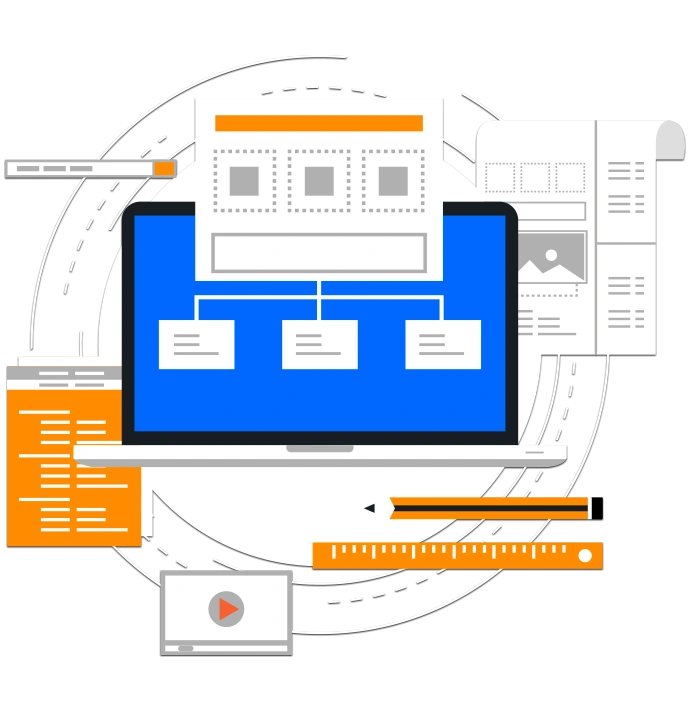
Overview of CRM Custom Fields in Nexleon CRM
How to Create Custom Fields in Nexleon CRM
Follow these steps:
- Go to Setup → Custom Fields
- Click New Custom Field
- Select the module where the field will appear
- Enter a clear and simple field name
- Choose the correct field type
- Configure visibility and other settings
- Click Save


Available Field Types in CRM Custom Fields
Available field types include:
- Text fields for general input
- Number fields for numeric values
- Dropdown selections for fixed options
- Checkboxes and radio buttons for selections
- Date and datetime pickers for scheduling\
- Hyperlink fields for reference links
Custom Field Configuration and Secure Visibility
Key configuration options include:
Field Name
This defines how the field appears to users.
Field Type
This controls what type of data is stored.
Required Setting
This ensures important fields cannot be skipped.
Admin-Only Visibility
This creates secure custom fields for private data. However, customers cannot see these fields.
Display Settings
- Admin dashboard
- Customer portal
- Tables and reports
- PDF documents
Grid Layout
This controls field width and layout. Therefore, forms stay clean and easy to use.

Lead Conversion and Smart Value Custom Field Mapping
Automatic Field Transfer
When a lead becomes a customer, matching data moves automatically. However, no manual entry is needed.
Smart Value Tags
Each smart value custom field creates a unique tag.
For example:
- Emails
- Invoice documents
- Proposals
- Notifications

Multi-Language Support
Where CRM Custom Fields Can Be Used
These work across all major CRM modules. Therefore, businesses can manage data everywhere.
Supported areas include:
- Clients and Contacts
- Leads and Opportunities
- PDF Invoices and Estimates
- Proposals and Credit Notes
- Projects and Tasks
- Contracts and Expenses
- Support Tickets

Best Practices for Using CRM Custom Fields
Follow these recommendations:
- Limit the number of fields per module
- Use clear and meaningful field names
- Avoid duplicate or unnecessary fields
- Show only important fields in tables

How CRM Custom Fields Improve Daily CRM Usage
Inclusion of custom fields improves real business workflows. For example, sales teams track deal sources easily. Additionally, finance teams manage Invoice Custom Fields for billing clarity.
Support teams also benefit. However, they can track customer issues more precisely. Moreover, managers get better reports and insights. This makes Nexleon CRM more practical and efficient.
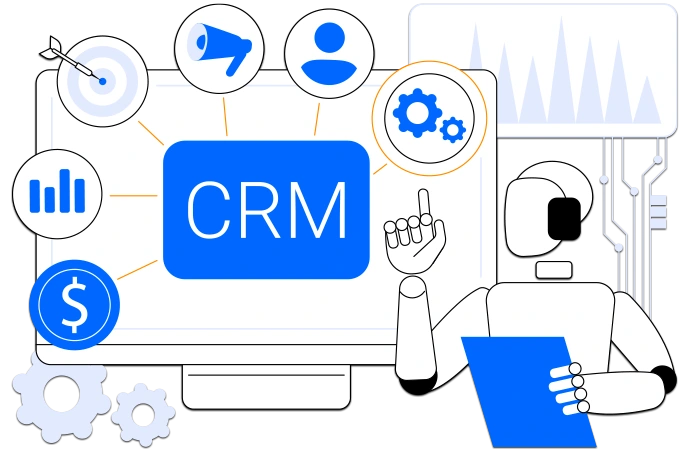
Get Nexleon CRM: It Works the Way Your Business Works
Every business has unique needs. However, your CRM should adapt easily. CRM Custom Fields in Nexlei give you that flexibility. You can track the right data. Additionally, you can improve workflows and reporting. Moreover, your team works faster and smarter.
Furthermore, Nexleon CRM is a fantastic option for businesses that are not looking for an expensive option but are looking for one that provides them with 360 features ranging from project management and team collaboration to payments and support. So, embrace it and experience its full potential for your business.